Getting started · Ilya Zhukov
Scrapbook Layouts for 4×6 Photos
Try simple scrapbook layouts for 4×6 photos, with room for captions and paper details. Check every arrangement against your album’s usable page area.

A 4×6 photograph gives you a familiar starting point for a scrapbook layout. Before choosing a design, measure the usable page area of your album and place a real print on it. Leave space for the binding, page turning and any caption you want to add.
The arrangements below are layout ideas to test, not measured templates or a guarantee that a particular number of prints fits a Podari page. Cover dimensions alone cannot establish usable page space.
One photograph and a short story
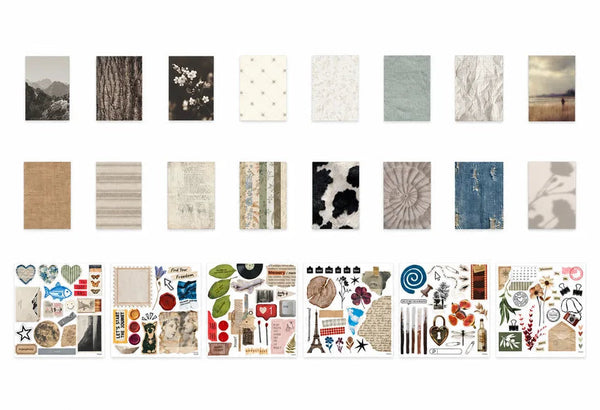
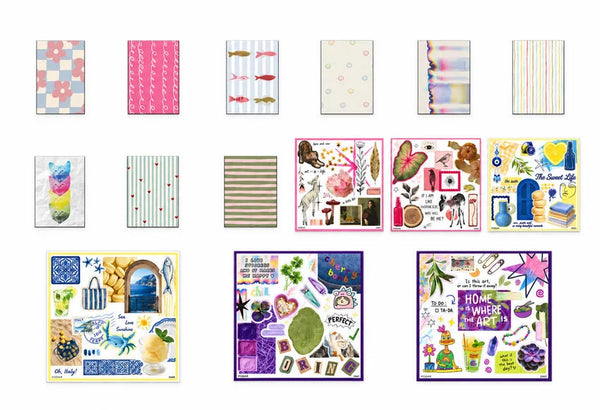
Place one print away from the binding and leave a clear area beside or below it. Write a date, a place and one detail outside the frame. A small piece of patterned paper can sit behind part of the print if it does not crowd the note.
This is a useful starting arrangement when one picture carries the moment. Try it for an opening page, a portrait or a photograph with a story you want to tell in words.
A photograph on each facing page
Use a single image on the left and another on the right. They might show the same place at different times, two perspectives on a day or a wide scene with a close detail.
Look at the pair as one spread. Check that neither image disappears into the binding and that you can turn the pages comfortably. Repeat a small color or caption position if you want the two sides to feel connected.
A portrait print with a narrow note
A vertically oriented print can leave a column for writing, depending on the usable page width. Place the note on separate paper while planning so you can move both pieces without committing.
If the column is too narrow to read, move the note below the photograph or onto the facing page. Do not shrink handwriting just to preserve a particular arrangement.
One photograph and a paper keepsake
Pair a print with a flat ticket or a copy of a note. Decide which is the main element and leave enough space to understand the relationship. The caption can explain why you kept both.
Use a photograph of bulky objects rather than adding thickness the album cannot comfortably hold. Test the closed album as well as the open spread.
A smaller crop within a 4×6 print
You can design a collage within a print or trim a duplicate photograph if that suits your project. Check the result at actual print size first. Keep important originals intact until you are certain you want to cut them.
Extra cutting tools are separate supplies; do not assume they come with a kit. A no-cutting design can work well with single photographs and short notes.
Check before you attach
Lay out the facing pages, test the page turn and take a quick reference photograph. Confirm your captions still have room. Our photo-selection guide helps decide what deserves space. The Podari kit page lists current album options; check the physical page before treating any layout as a fit.